Video Player Usage Tips
These are some tips for using the Video Player (not the YouTube player).
Changing video decoder
Hardware for some devices may not be able to play the files properly. It is possible to switch between the software and hardware decoders to play these files by clicking the “HW+”, “HW” or “SW”.
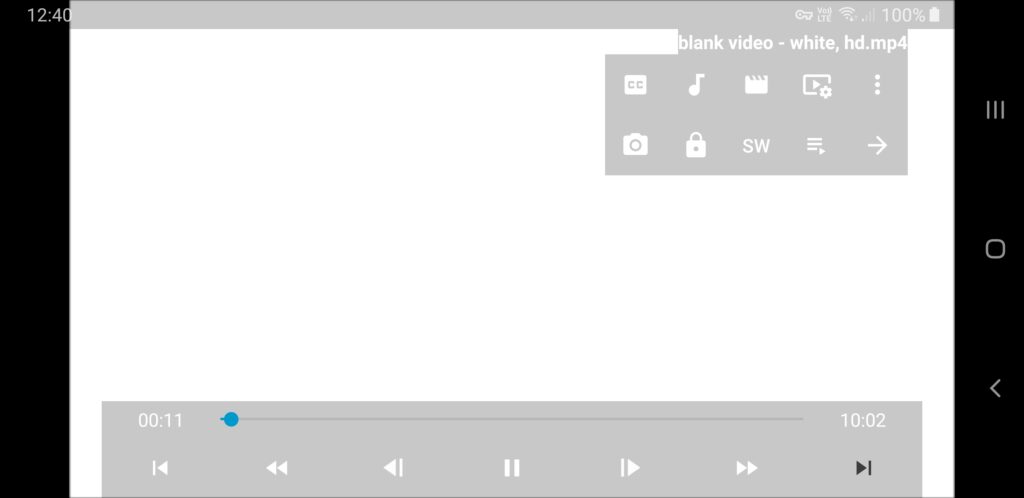
Screenshots
Screenshots currently do not work when the decoder is “HW+” with gpu-next or use software renderer checked. Screenshots should work with “HW” and “SW” decoder.
Custom command for tap gestures
When a tap gesture is set to “Custom” it can be bound to any command by editing input.conf. The key codes are 0x10001 (left), 0x10002 (center), 0x10003 (right).
Example setting Double tap (right) to “Custom”
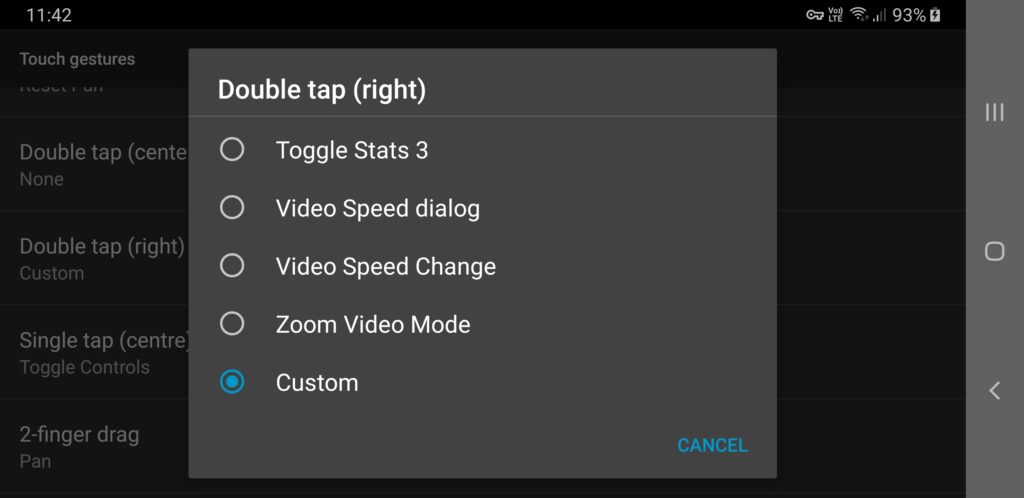
Example: you could bind to seeking by 6s to a custom command with:
0x10003 no-osd seek 6
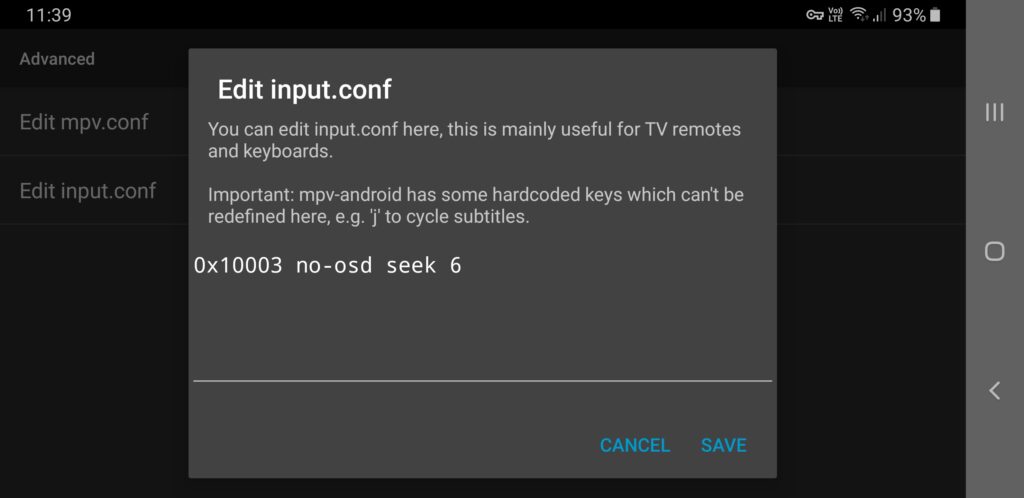
You can bind screenshot to a custom command with Double tap (left) with:
0x10001 screenshot video
Customise playback with mpv.conf
It is possible to apply many different “options” for the playback such as track selection, playback control, program behaviour, video, audio, subtitles, etc. via the mpv.conf found in Settings > Advanced
See this page for list of possible mpv options to apply: https://mpv.io/manual/master/#options
The options can be applied without the “–“. For example, to apply --aid=auto and --sid=no:
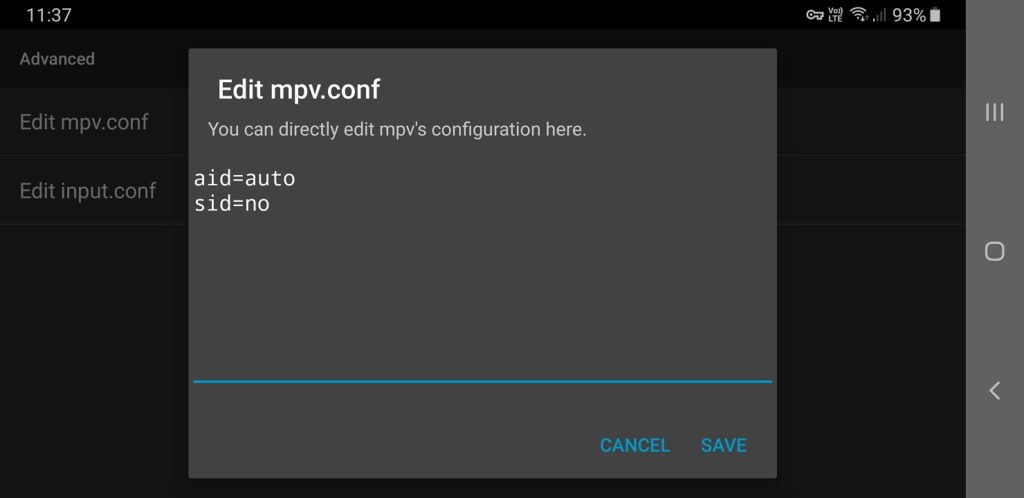
You can set custom screenshot directory to use with tap gesture screenshots here by adding line screenshot-directory=/storage/emulated/0/, for example. The directory config does not affect the screenshot button functionality.
Hiding the onscreen notification text
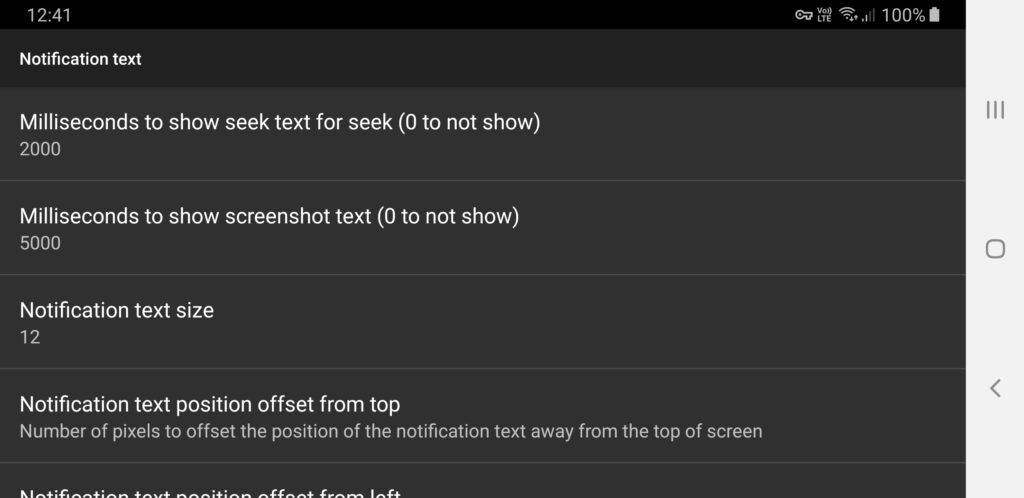
It is possible to prevent the onscreen notification text from showing by setting the settings in
Notification text > Milliseconds to show seek text for seek (0 not to show) to 0
and/or
Notification text > Milliseconds to show screenshot text for seek (0 not to show) to 0
How to access folder containing screenshots/frame captures on Android 11+
Screenshots/frame captures taken may be saved to a folder not accessible on Android 11+ devices without higher access permission file managers.
You may try file managers such as
How to fix the player showing no video but only audio
Some combinations of files and devices may result in the playing not showing any video with just audio playing. To fix this, you can try to add vf=format=yuv420p to the mpv.conf and restart the player.